
Materials & artwork
Apply labels and graphics, then recreate paper, plastic, glass, metal and print finishes with PBR materials and texture maps.
Professional 3D rendering.
Right in your browser.
Free. Secure. No Sign-Up Required.


Your 3D models, artwork, and textures stay on your device. All processing and rendering happen locally in your browser.


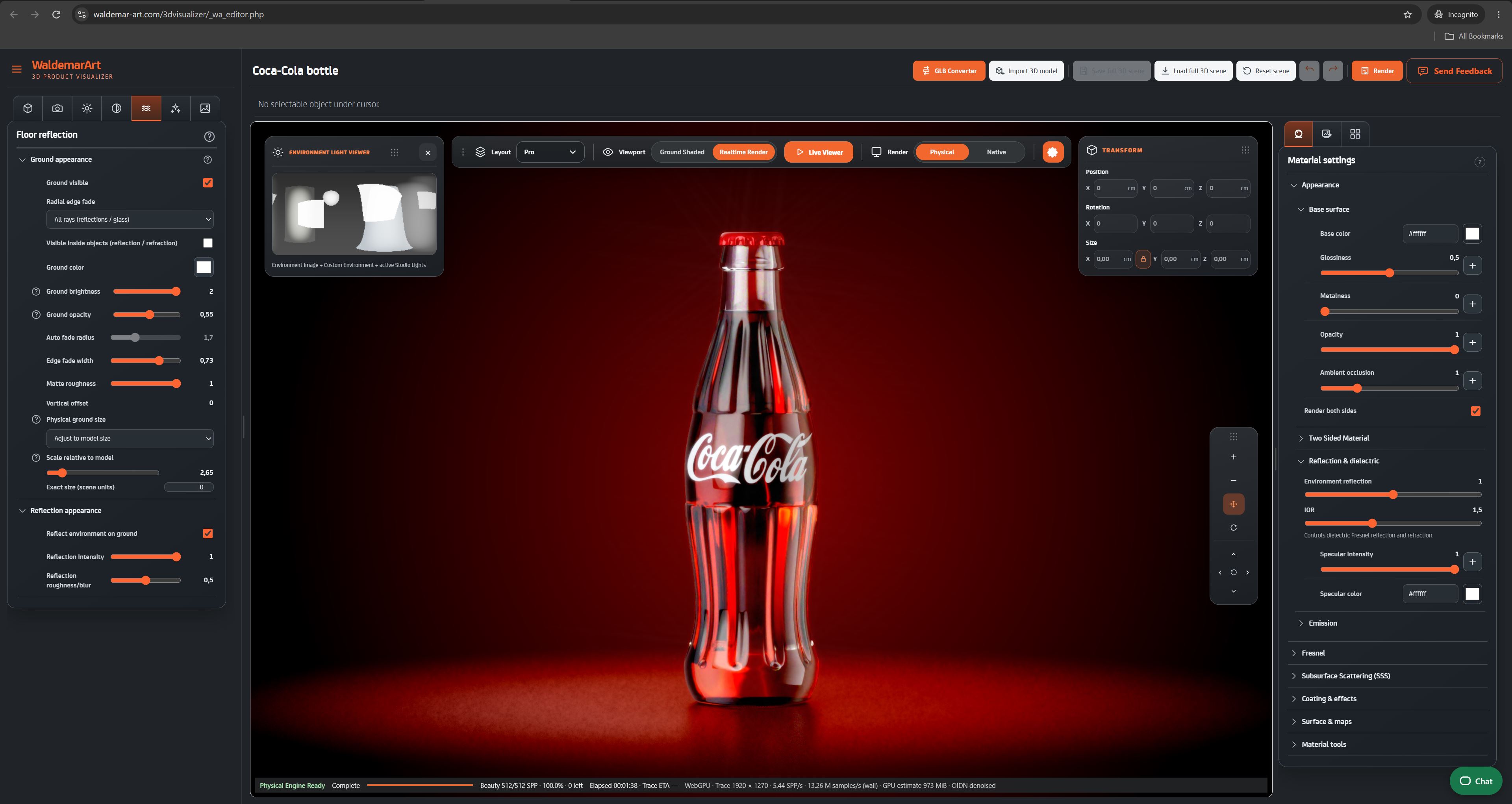
WA 3D Product Visualizer — A browser-based 3D studio for designers, brands, and creative teams.
Apply artwork, customize materials, set up studio lighting, and create realistic product renders in real time.
Create photorealistic 3D visuals with advanced materials, studio lighting and physically based rendering.
Developed by WaldemarArt Design Studio, specializing in professional 3D product visualization and modeling.
Free to use. Secure. No installation. No subscription.
Creative Tools
Turn existing 3D product models into polished product images.
Control artwork, realistic materials, studio lighting, fx and camera settings in one browser-based workspace.
Apply labels and graphics, then recreate paper, plastic, glass, metal and print finishes with PBR materials and texture maps.


Shape your product with adjustable softboxes, light textures, shadows and reflections.

Use high dynamic range environment images to create realistic lighting and reflections.

Frame individual products or complete product collections with adjustable cameras, backgrounds and image effects.
Native Render vs Physical Render
WA 3D Product Visualizer offers two rendering engines designed for different creative needs.
Native Render — Fast, responsive and ideal for everyday creative work. Get instant visual feedback while adjusting materials, textures, lighting and camera angles. Perfect for quick previews, design exploration and high-quality product visuals without long rendering times.
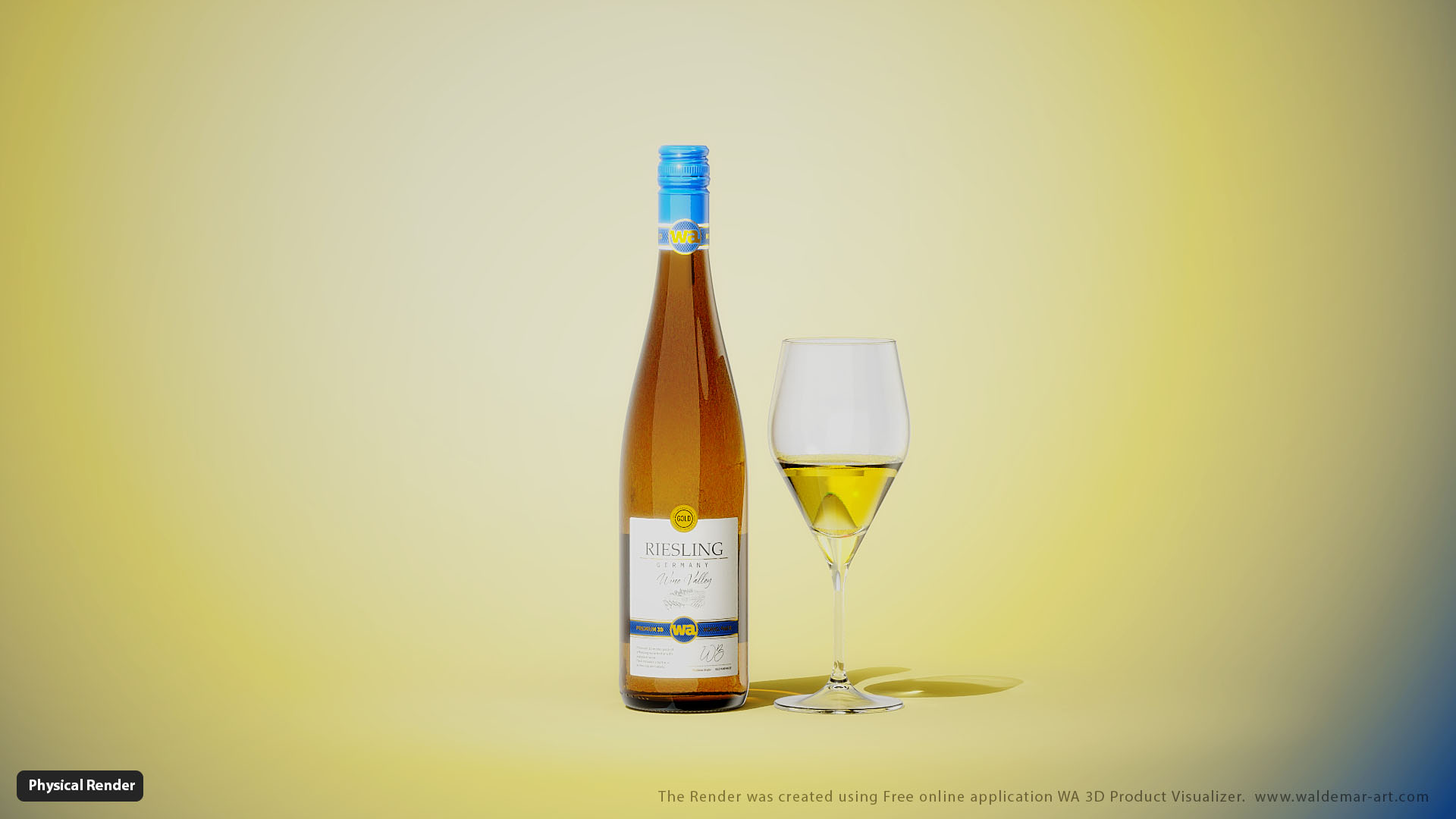
Physical Render — Designed for professional, photorealistic visualization. Powered by WebGPU Path Tracing, it realistically simulates the behaviour of light, including global illumination, complex reflections, refraction, physical caustics, light absorption and subsurface scattering. Ideal for glass, liquids, metals, transparent materials and demanding studio lighting scenarios.
Both engines work directly in your browser, using your local GPU. Switch between them at any time without rebuilding your scene — from instant previews to professional photorealistic renders.
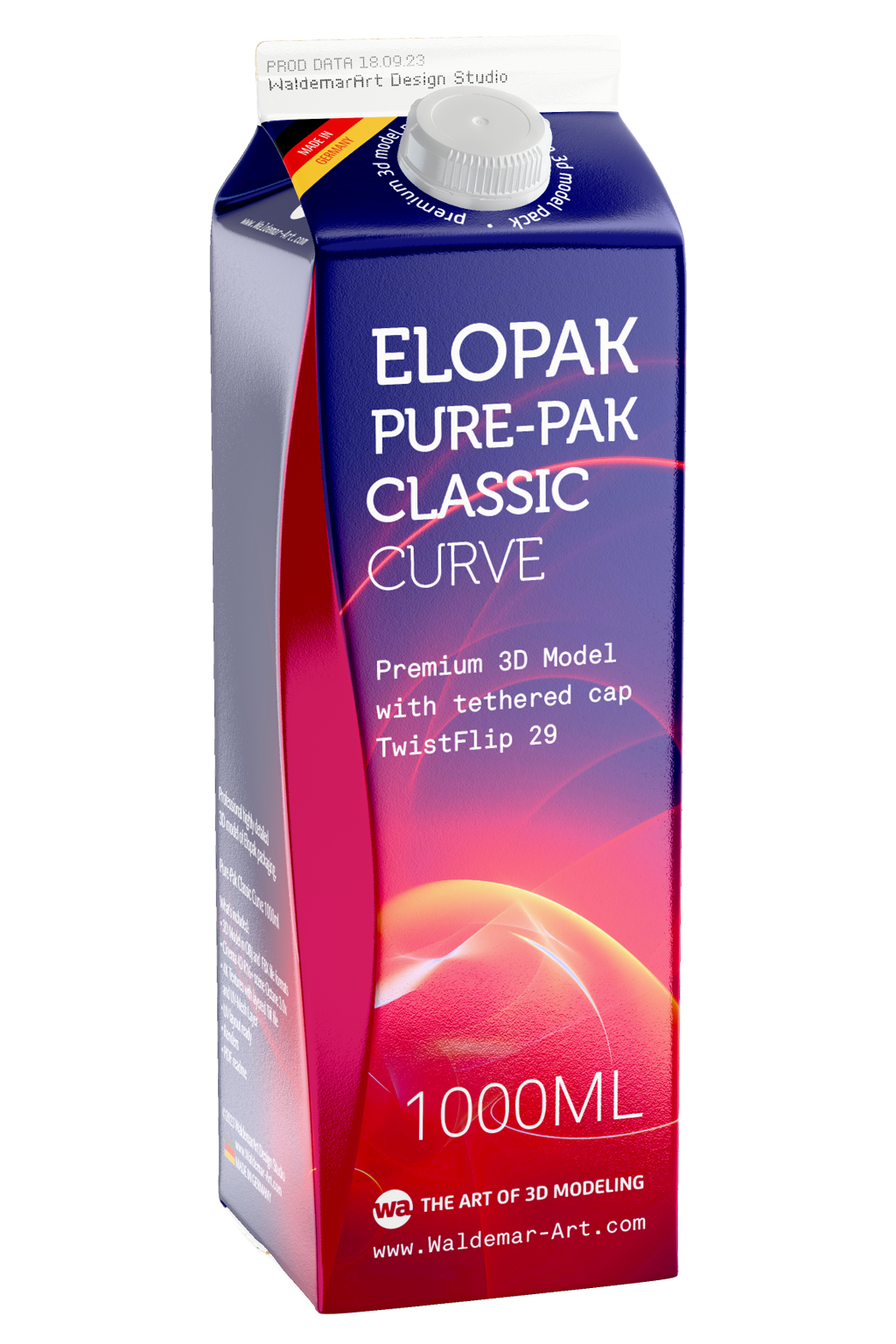
Import a GLB, glTF or FBX model, or convert OBJ and FBX files to GLB.
Apply your artwork and materials, then arrange lights, camera and background.
Export high-resolution PNG images or layered 4K PSD files for retouching.
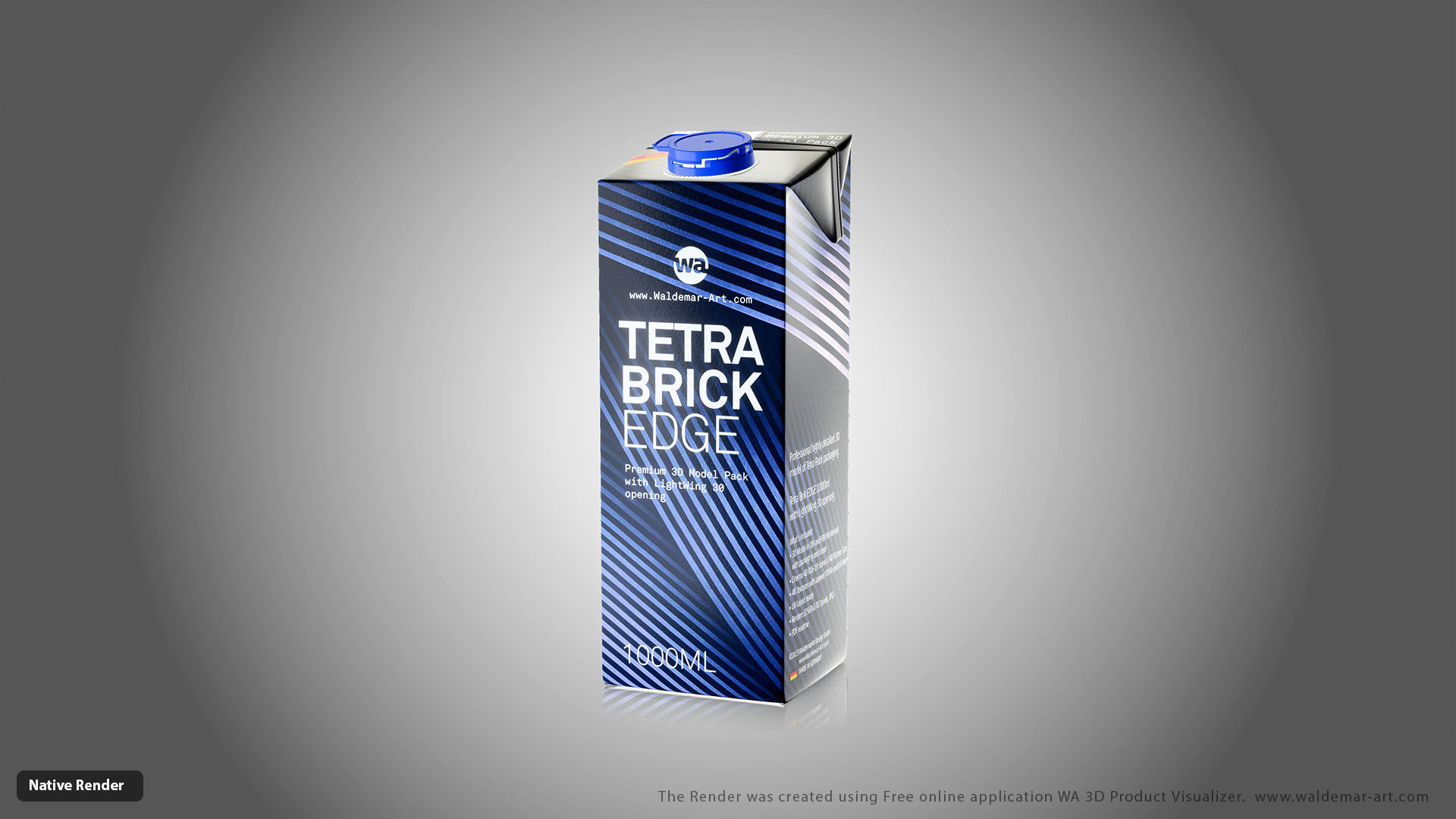
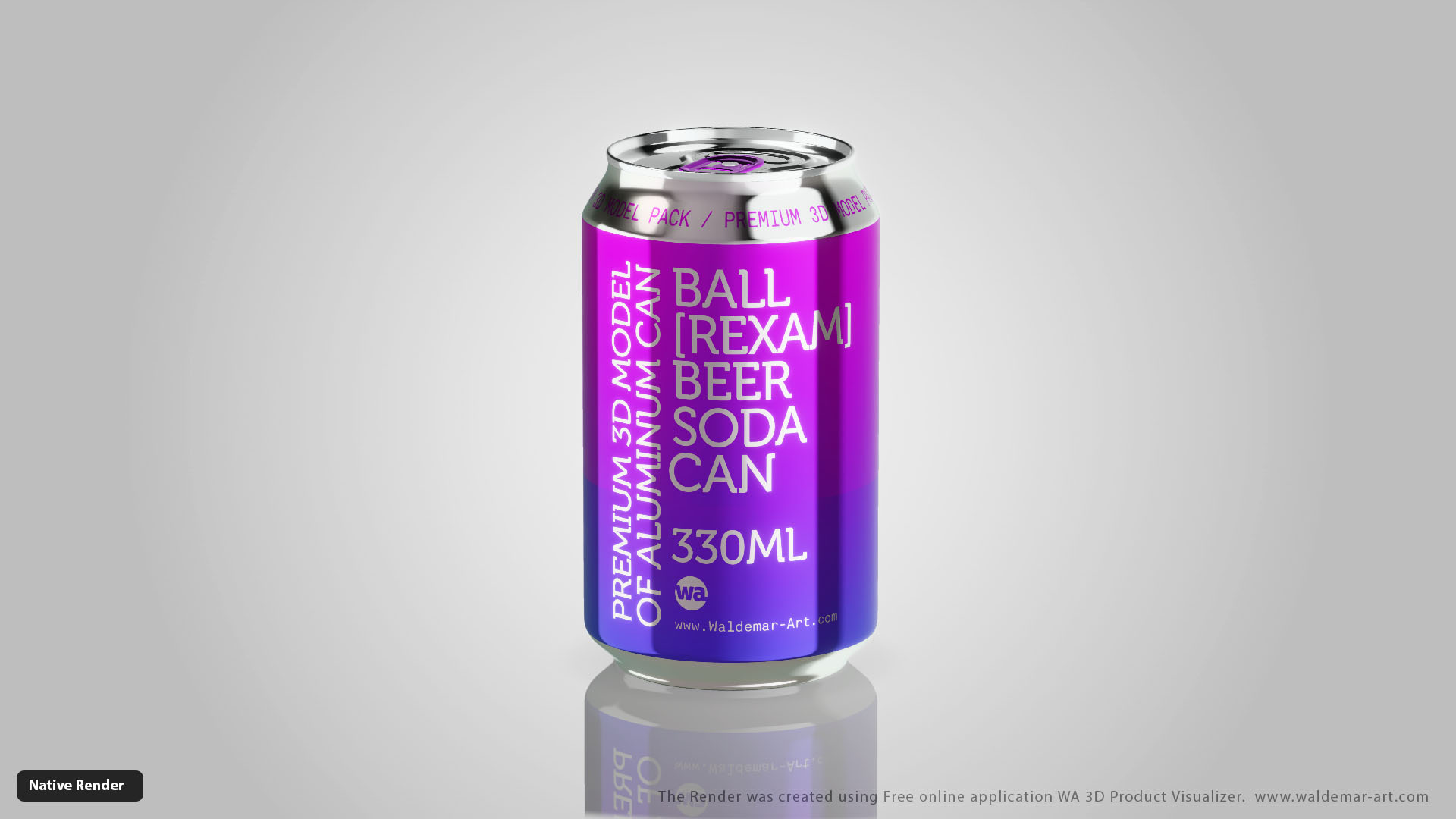
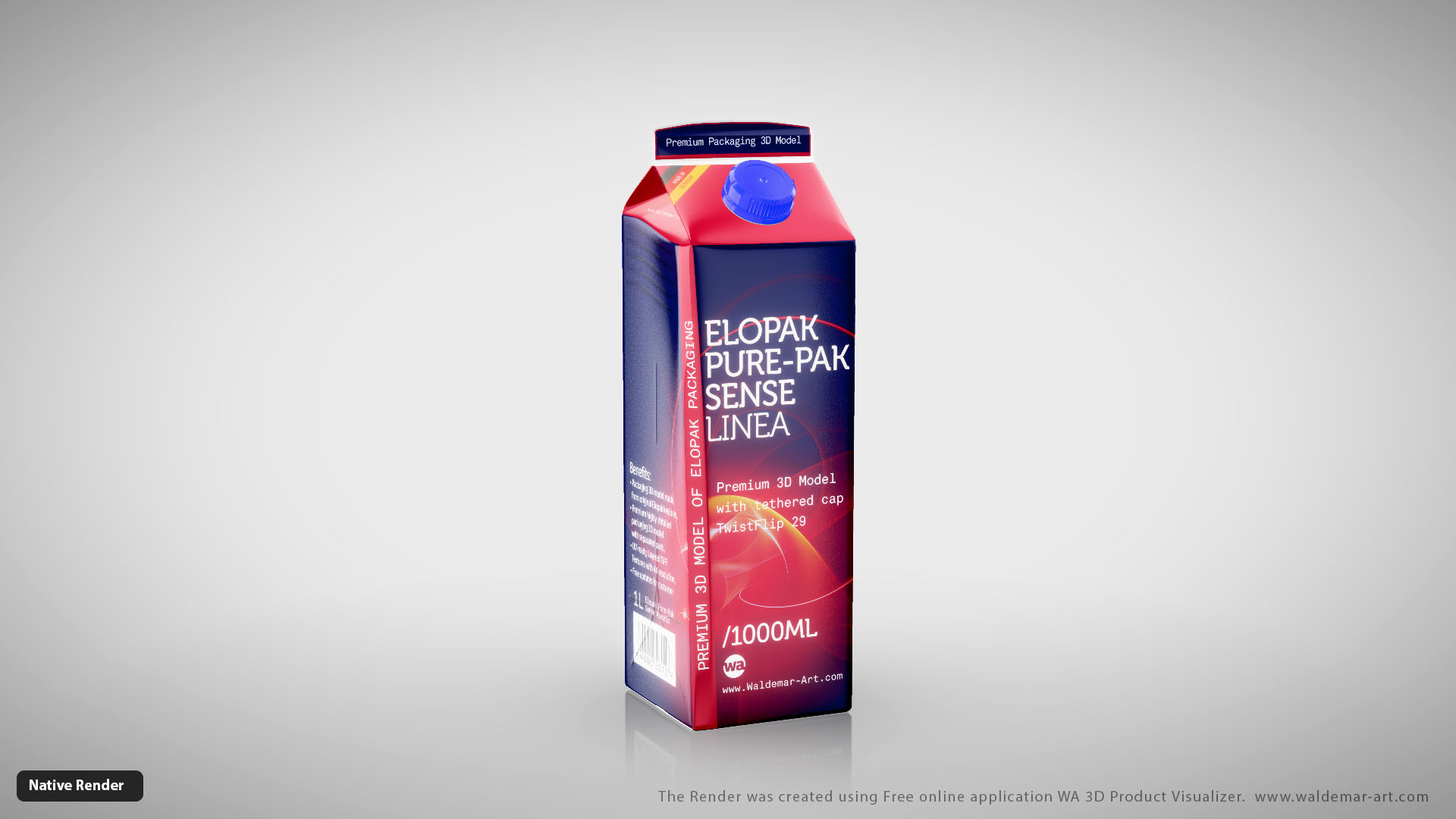
Product visualization examples
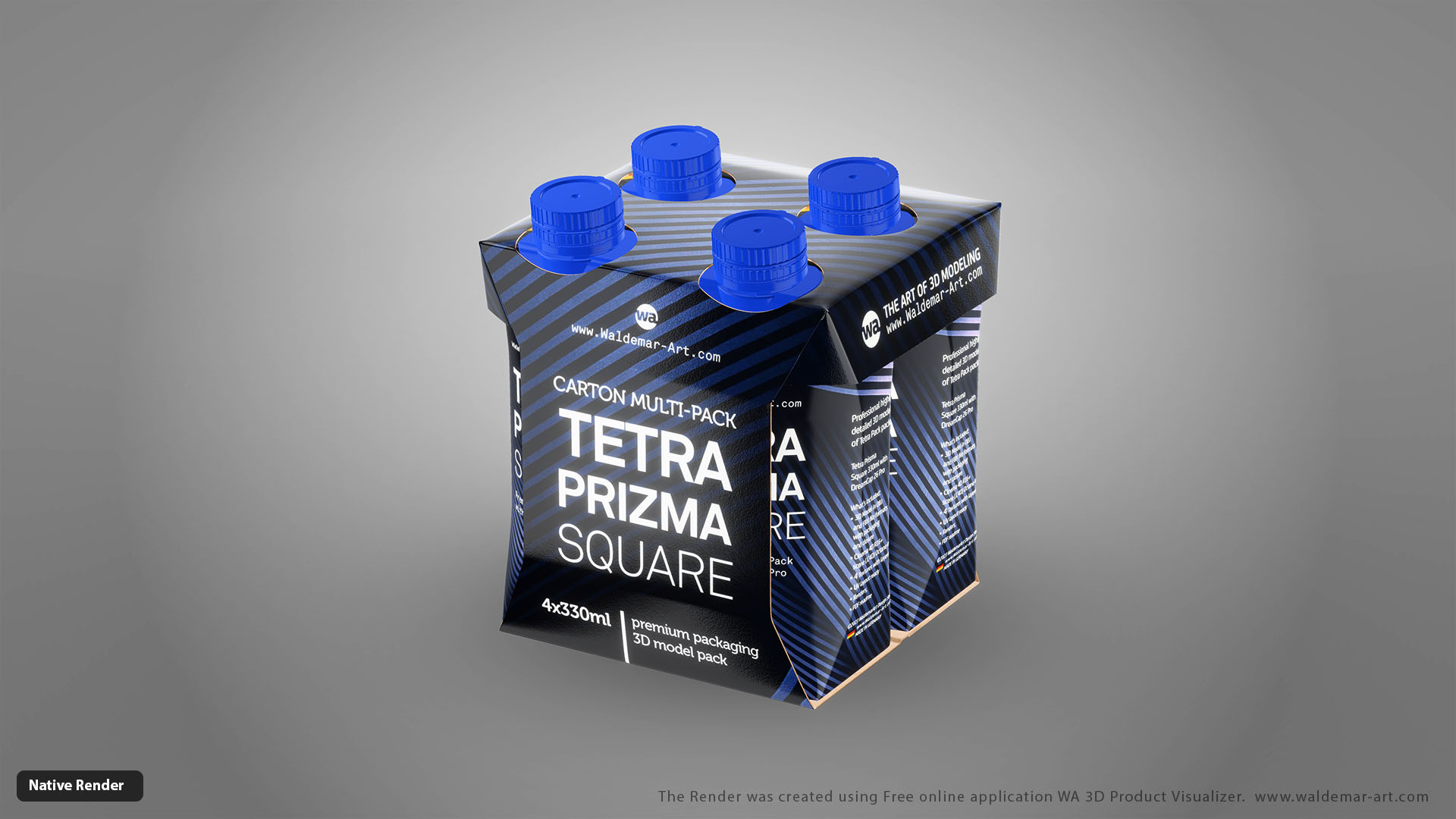
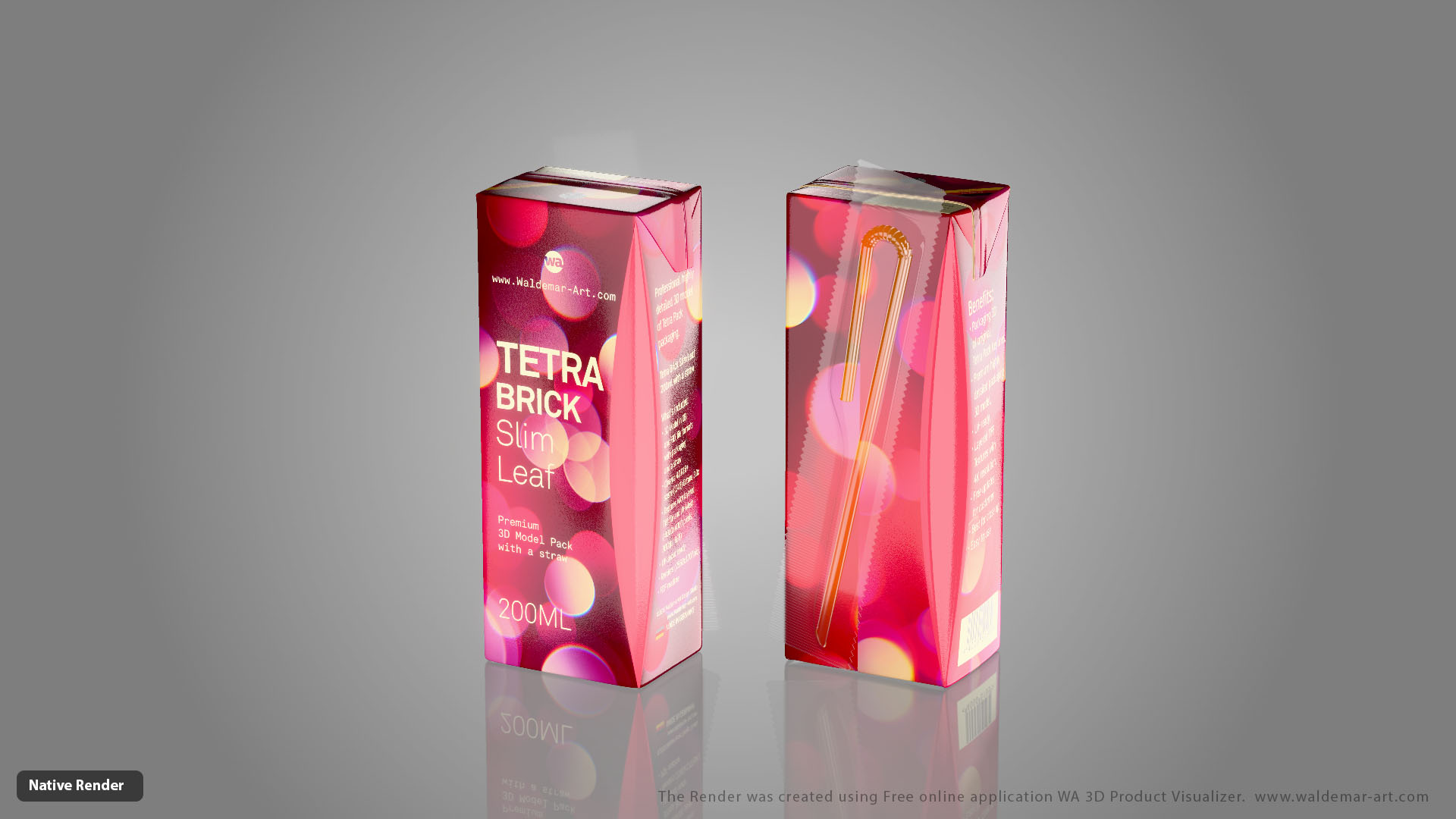
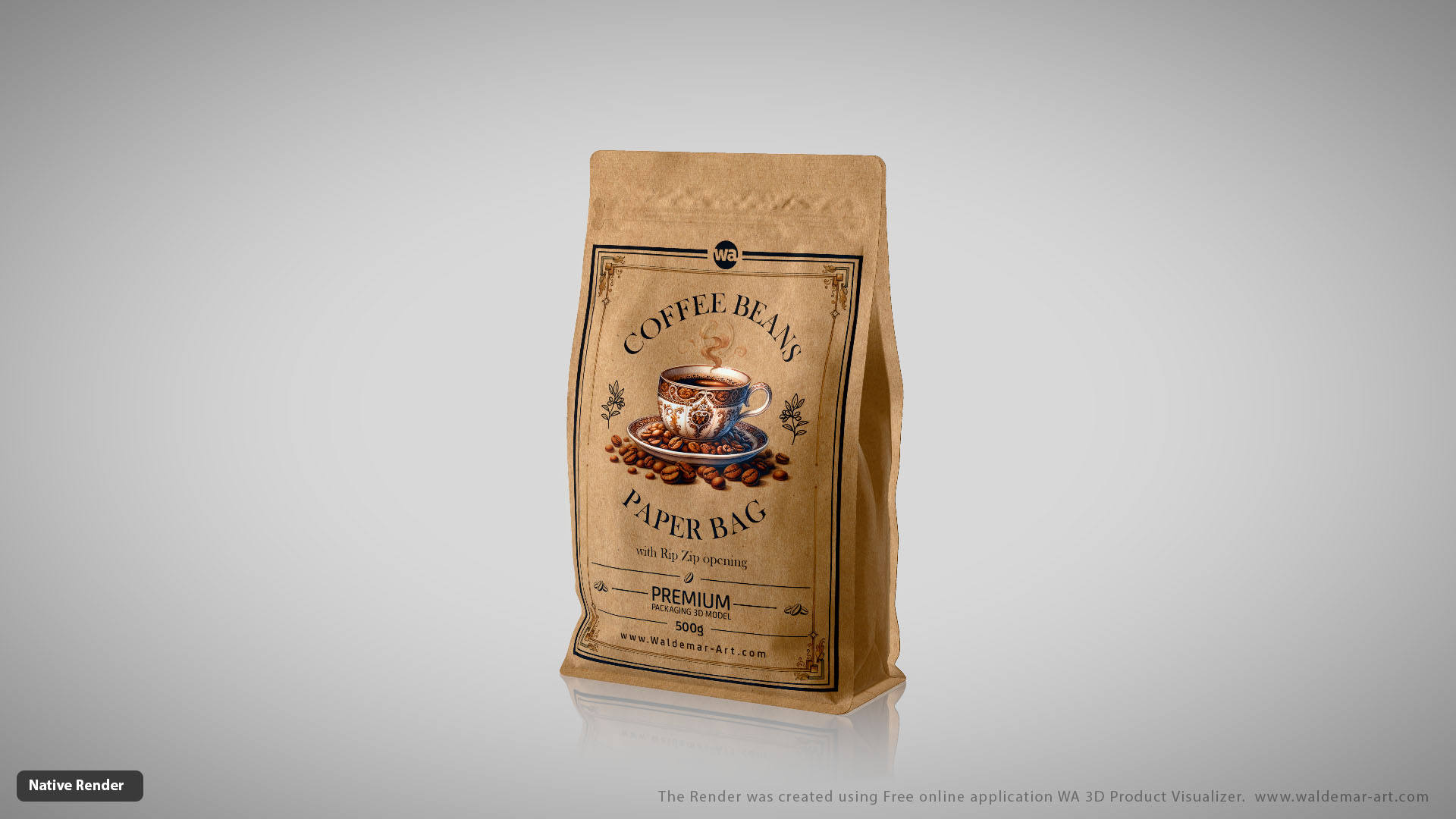
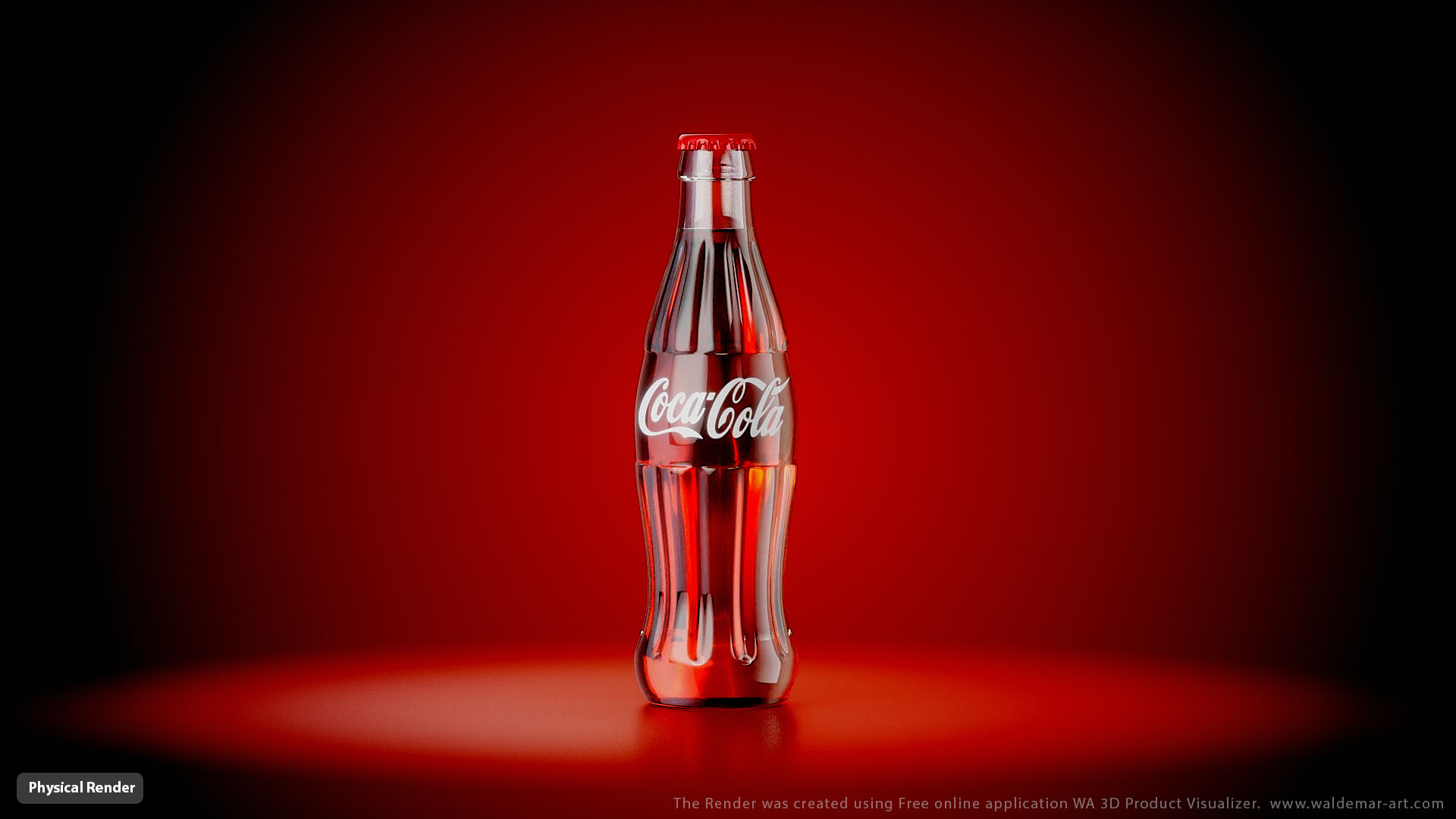
Feature comparison · Product & product visualization
15 key capabilities for creating, rendering and
presenting 3D product.
| # | Feature | WA 3D Product Visualizer | Adobe Dimension |
|---|---|---|---|
| 1 | Working directly in a web browser | ✓No application installation required | ✕Desktop application |
| 2 | Free to use | ✓No paid subscription | ✕Creative Cloud subscription |
| 3 | Real-time rendering | ✓Native WebGL | ✓Real-Time Render |
| 4 | Physically accurate rendering | ✓WebGPU Path Tracing | ✓Ray Tracing |
| 5 | GPU rendering without NVIDIA dependency | ✓NVIDIA, AMD, Intel¹ | ✕GPU Ray Tracing only on NVIDIA / Windows |
| 6 | Physical caustics | ✓Photon Mapping, Camera MIS | ○Not officially stated |
| 7 | Two-sided materials | ✓Independent materials for the front and back sides | ○Not officially stated |
| 8 | Nested transparent media | ✓Glass, liquids, multiple refractions and light absorption | ◐Refraction is supported; nested media are not documented |
| 9 | PBR materials | ✓Metalness, Roughness, SSS, Clearcoat, Anisotropy, Dispersion | ✓Similar capabilities |
| 10 | Object Compositing | ✓Visibility control for camera, reflections, refractions, GI and shadows | ◐Standard object hiding |
| 11 | Emission | ✓Color HDR textures, intensity masks | ✓Emissive materials |
| 12 | Multi-layer product artwork | ✓Artwork Layers, varnish, metallic and transparency masks | ✓Graphic Layers, Decals |
| 13 | Studio lighting | ✓HDRI, textured Softboxes, Environment Light Viewer | ✓HDRI, adjustable light sources |
| 14 | Layered PSD | ✓Beauty, Object, Reflection, Shadow, Mask, Glow, Vignette | ✓Layered PSD |
✓Supported◐Partial or limited support✕Not available○Not officially stated
¹ Requires a compatible WebGPU adapter and sufficient GPU memory.
System compatibility
Choose the Physical Renderer for WebGPU path tracing,
or Native Renderer for broad WebGL compatibility.
| # | Requirement | Physical Renderer | Native Renderer |
|---|---|---|---|
| 1 | Windows operating system | ✓Windows 10 or newer | ✓Windows 7 or newer |
| 2 | Windows browser | ✓Chrome 130.0.6723.116+ or Firefox 142.0.1+ | ✓Chrome 89+ or Firefox 108+ |
| 3 | macOS / Safari | ✓Safari 26.4+ on macOS Tahoe, or Safari 27+ on macOS Golden Gate | ✓Safari 16.4+ |
| 4 | Graphics technology | ✓WebGPU-capable GPU; Direct3D 12 on Windows; hardware acceleration enabled | ✓Hardware-accelerated WebGL 2 |
| 5 | Best suited for | ✓Photorealistic path tracing, complex glass, liquids and final-quality renders | ✓Fast scene setup, interactive previews and broad device compatibility |
Browser requirements are the verified minimum versions for this editor. Performance depends on scene complexity, texture resolution and available GPU memory.
FAQ
Learn how to import 3D models, apply product artwork, create realistic materials, set up a virtual studio, save editable scenes and export professional product renders.
WA 3D Product Visualizer is a free, browser-based application for 3D product mockups, product visualization and rendering. Import an existing 3D model, apply your product artwork, edit materials, set up studio lighting and create realistic product images in an interactive 3D workspace.
It is designed for product designers, graphic designers, brand owners, creative agencies, product manufacturers, marketing teams and 3D visualization professionals. Use it to explore design concepts, prepare client presentations and create product images for e-commerce, advertising and marketing.
Yes! The application is completely free to use directly in your browser. You can import 3D models, apply artwork, customize materials, set up lighting, save scenes, and create professional product renders — all without installing additional software.
Our development team would greatly appreciate your support! Voluntary donations help cover hosting costs, improve existing features, and keep the project growing and free for everyone. Every contribution, big or small, makes a difference. Thank you for supporting independent development!
No. The application works entirely without registration or an account. Simply open it in your browser and start creating. No sign-up, login, or personal information required.
No. The application runs in a compatible web browser using hardware-accelerated 3D rendering. No desktop software, browser plug-ins or separate rendering application is required. An internet connection is needed to access the application.
Yes. Your imported 3D models, artwork, textures and scenes are processed locally on your device. Rendering uses your computer’s resources rather than a cloud rendering service. Your creative files are not uploaded to a server for rendering or storage. Online access and security checks are separate from local scene processing.
Yes. Beginner mode provides simplified controls for creating product presentations quickly. Pro mode offers detailed material properties, artwork mapping, lighting, camera and render-pass controls for more demanding visualization workflows.
The editor supports GLB, glTF and FBX imports. The integrated 3D Model Converter also converts OBJ and FBX files to GLB. GLB is recommended for efficient loading and browser-based visualization.
Yes. Convert OBJ and FBX models into optimized GLB files using the integrated converter. Geometry analysis, per-object optimization settings and validation help prepare 3D assets for efficient real-time rendering.
You can visualize bottles, beverage cans, jars, cartons, tubes, pouches, cosmetic containers, food product and other consumer products. The application works with imported 3D models rather than restricting you to a fixed set of mockup templates.
No. It is a specialized 3D product visualization and rendering application, not a CAD or traditional mesh-modeling tool. Create product geometry in your preferred 3D modeling software, then use the visualizer to apply artwork, edit materials, arrange scenes, set up lighting and render product images.
Yes. Select individual components such as caps, labels and containers. Edit their materials and artwork independently, adjust position, rotation and scale, hide or remove elements and organize objects into groups.
Yes. Import multiple models, organize them into groups and create linked instances within a scene. Adjust each model’s position, rotation and scale to create product families, product collections and group product shots.
Yes. Import labels, logos, product graphics and textures and apply them to your 3D model. Use UV mapping or local and global triplanar projection, and adjust placement, rotation, scale and repetition. Multiple design layers let you combine printed graphics with surface effects.
Yes. The physically based rendering (PBR) material editor lets you simulate paper, cardboard, plastic, glass and metal. Use adjustable roughness, coating, metallic properties, texture maps and design layers to recreate matte and glossy finishes, metallic foil, selective varnish and embossed surface effects. A material library provides starting points for customization.
Yes. The real-time material editor includes transparency, light transmission, refraction, index of refraction (IOR), thickness and absorption controls. These features help visualize glass bottles, transparent plastic and products containing liquids. The Physical Renderer in development is intended to provide more accurate light interactions.
Yes. Create a virtual product photography studio with multiple adjustable light sources, softboxes, light textures and HDRI environments. Control light intensity, color, position, rotation, size and shadows to shape highlights and reflections without a physical studio.
Yes. Use perspective or orthographic cameras and adjust framing and image settings. Choose colors, gradients or images for backgrounds, and control ground shadows, reflections and post-processing effects to suit your product presentation.
Yes. Changes to artwork, materials, lighting, object transformations and camera settings appear directly in the interactive 3D viewport. This helps you compare design alternatives and refine your presentation without a separate render for every change.
Yes. Save complete scenes with your imported 3D models, materials, artwork, textures, lighting, cameras and scene composition in the native .wa3d file format. Reopen the file later to continue editing or create new renders.
Yes. The renderer supports high-resolution output, including Full HD (1920 × 1080) and 4K UHD (3840 × 2160). Create product images for e-commerce, client presentations, digital catalogs, advertising and design portfolios. Available performance depends on your device and scene complexity.
Yes. Export PNG images with a transparent background for use in advertisements, websites and graphic design projects. Separate object, shadow and reflection passes provide additional control when compositing your render.
Yes. Export layered Adobe Photoshop PSD files with separate render passes, including Beauty, Object, Background, Shadow, Reflection and additional effects. This lets you adjust individual elements independently during retouching and compositing.
The real-time renderer uses hardware-accelerated WebGL. A modern browser and compatible graphics processor are required. A dedicated GPU is recommended for complex scenes, high-resolution textures and demanding renders. Performance depends on geometry, texture resolution, graphics memory and rendering settings.
Free to use. Secure. Local rendering. No installation required.
Go to 3D Visualizer Web Page →WA 3D Product Visualizer is under active development. Your feedback helps improve the application.
Report a bug or suggest a feature via online chat or the contact form.